In Testing
Testing In Progress
This page is currently in testing and is being actively refined.
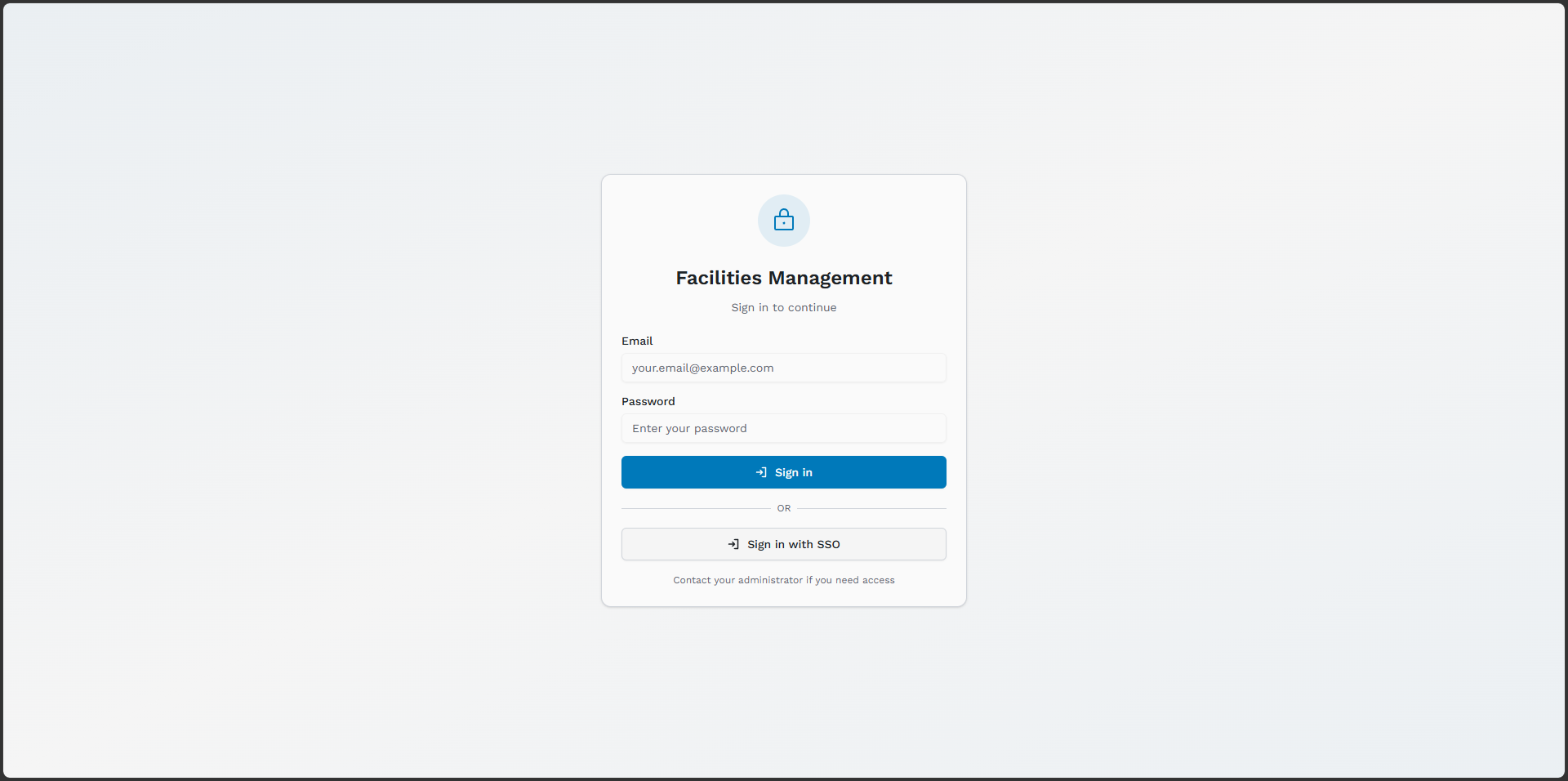
Preview 1 of 1
This page is currently in testing and is being actively refined.
inFM is built by Australian developers who got tired of sales-driven software and worked directly with tradies and site teams to shape something practical. It is designed for internal operations where the workflow is simple: report the issue, assign the right trade, investigate, and rectify.
inFM brings together asset tracking, work orders, preventative maintenance, time logging, and reporting in a single, straightforward web application for internal facilities teams. No unnecessary approval loops or extra assessment steps before action. Each business can align workflows, evidence, and records to its own ISO and compliance requirements while keeping execution direct.
Not every facility has a reliable internet connection — and not every industry can afford to trust its operational data to a cloud provider. inFM is engineered to run entirely on your own infrastructure, with zero dependency on external servers, third-party APIs, or an active internet connection.
Remote sites, FIFO rosters, and patchy satellite connectivity are the norm. inFM runs locally — no cloud, no dropped sessions, no operational data leaving the site.
Clinical environments demand on-premises data handling. Deploy inFM within your hospital network — all asset and maintenance records stay behind your firewall.
Classified environments and ISM-aligned networks require full isolation. inFM supports fully air-gapped deployment — designed with no telemetry, no embedded CDNs, and no external update or licensing services.
Operators of critical infrastructure — power, water, transport — can deploy inFM inside isolated OT networks without bridging to the public internet.
Universities, schools, and TAFE campuses with data sovereignty policies or internal-only access requirements can deploy inFM neatly behind existing campus networks.
Maximum-security environments with no external internet access. inFM's air-gapped mode requires nothing beyond your internal LAN to operate at full capacity.
Operates entirely on your local network or isolated intranet. Zero outbound calls to external services or licensing servers.
All assets, work orders, maintenance records, and files live on infrastructure you own and control. No SaaS data escrow.
Ships as Docker Compose or installs natively on CentOS/Linux. Slots into your existing VM estate or a dedicated server.
No licensing check-ins, no call-home requirements, no surprise price hikes. You own the deployment and the data indefinitely.
We are bringing that model back with modern tooling. inFM is licensed software that your IT team deploys once, owns, and runs on your own infrastructure. No forced cloud tenancy. No pricing games that scale against your headcount.
The core platform for internal site teams and tradies. Raise work requests, assign directly to the right trade, and track completion without layered assessment handoffs.
Available NowSister application for Senior Asset Analysts. Condition scoring, lifecycle modelling, and capital-planning workflows are in active testing with pilot customers.
In TestinginFlow is a middleware pipe between inFM and inAM for one-click information syncs. The roadmap includes third-party connectors (BMS, APIs, OData, and more) with rule-based automations like raising reactive work orders, sending emails, and SMS alerts.
In TestingOur Social Media Footprint below is a direct feed of our owners' LinkedIn posts, where we share real-time updates on inFM's development, rollout stories from pilot sites, and practical insights on facilities management trends. This is the best place to get an unfiltered look at how inFM is evolving and being adopted on the ground.
Built for internal FM teams who need direct action: log, assign, investigate, rectify, and close.
Track every asset from procurement to decommission. Maintain complete history, warranty info, and maintenance records in one place.
Create, assign, and track jobs in a direct operational flow. Requests move straight to the responsible trade team for investigation and rectification, then through to completion and sign-off.
Plan recurring maintenance with hierarchical PM plans linked to buildings, assets, and trade types. Schedule records track the next due date so upcoming work is visible against the asset.
Define service record types with custom fields, validation rules, and standards-based templates, then log structured service history against each asset from the maintenance workflow.
Organise your estate using a full location hierarchy — site, building, floor, room — for precise asset and job location tracking.
Log labour hours against jobs and assets. Generate time reports and monitor workforce productivity across your entire estate.
Manage spare parts and consumables with stock levels, scope-aware storage, and job-linked usage so material consumption is recorded alongside the work performed.
Automated email alerts for job assignments and status changes. Overdue jobs are highlighted in the work order queue so your team stays informed.
Fine-grained permission system with five roles: Super Admin, Domain Admin, Admin, User, and Viewer — scoped per domain.
Domain-scoped architecture supports multiple independent client organisations within a single deployment — fully isolated data.
Prevent conflicting edits on jobs and assets with live record locking and session-aware safeguards, so teams do not overwrite each other's changes.
Core reporting is available now. Advanced metric-based analytics and KPI dashboards are currently in testing.
Scan QR codes on assets for instant access to records, job history, and maintenance schedules — fully mobile-optimised.
Attach documents, photos, and manuals to assets and work orders, with organised file storage linked directly to each record.
Maintain standard equipment definitions, official data references, and shared document libraries so teams can reuse consistent specifications, manuals, and reference material.
Apply your company name, logos, colours, and PDF layouts across the app and exported work order packs for a fully branded deployment.
Quickly populate your system by importing assets, locations, users, jobs, and trades in bulk via structured CSV files.
Deploy on a fully isolated network with zero internet dependency. No cloud APIs, no external licensing checks — runs entirely within your own infrastructure 24/7.
All data stays on infrastructure you own. No SaaS data escrow, no third-party cloud storage. Ideal for regulated environments including healthcare, defence, and mining.
Localised in English, with Spanish, French, and German translations available; coverage of the user interface is being progressively expanded. Users switch languages directly inside inFM via Settings — no browser configuration needed. The deployment default is set by IT, and each user's choice is saved independently within the application.
Built in Australia on open-source, enterprise-grade tech — no vendor lock-in.
Self-hostable on your own infrastructure. No overseas SaaS dependency. Your data stays yours.
Four supported deployment paths, including Microsoft IIS and fully air-gapped options. Pick what suits your environment and compliance requirements.
Spin up in minutes with Docker Compose. Three pre-configured containers — frontend, API, and your SQL backend (MySQL or MSSQL) — run anywhere Docker is supported.
Deploy to any Azure tenant with the pre-built deployment package. Supports Azure SQL / SQL Server, Azure MySQL, and on-premises database connections for hybrid setups.
Run inFM on your own Linux server (Docker/Nginx) or Windows Server with Microsoft IIS. Full control, no ongoing SaaS fees — your data stays on infrastructure you own.
For environments where no internet connection is permitted — mining sites, defence facilities, hospitals, corrections, and critical infrastructure. Operates entirely on your internal LAN, with no required outbound traffic to third-party services.
inFM was designed with restrictive environments in mind. Whether running a remote mine site, a hospital, or a classified facility — if you can't rely on a cloud tool, inFM is the answer.
Updates ship with idempotent, forward-only schema migrations that preserve your existing operational data across every release.
The full application — including all dependencies — is packaged and delivered as a single file. No complex dependency management for your IT team.
Updates are scoped and delivered quarterly, giving your IT Department a predictable, low-disruption deployment window on your own timeline.
Localised in English, with Spanish, French, and German translations available; user-interface coverage is being progressively expanded. Users switch languages within inFM via Settings — preference is saved per-user. The database uses utf8mb4 (full Unicode), fully supporting all special characters across every supported language.
Browse all inFM documentation — select a document from the sidebar.
Select a document from the sidebar to read it here.
Get in touch with the inFM team — we’d love to hear from you.
Whether you're a facilities manager, an IT professional, or a small team just trying to get organised — we're happy to have a conversation. Our aim is to help you take control of your facilities data at a cost that actually makes sense for your scale.
Non-profits and aged care providers — mention it when you get in touch. We discount for you.
We’ll receive your message at sales@infm.au and aim to respond within one business day.
Simple, transparent licensing — no subscriptions, no surprises.
inFM is a licence-only product. Pay once for the rights to use and receive updates — no per-user fees, no monthly billing surprises.
inFM operates on a licence-only cost model. There are no per-user fees, no cloud hosting charges, and no ongoing SaaS subscriptions. You purchase the right to deploy and use inFM — and you deploy it on infrastructure you own and control.
No licence, no updates — and a persistent reminder. An active licence entitles you to all quarterly releases during your licence term. If your licence lapses or is not applied, the software continues to operate — however, a persistent banner will be displayed to all users on every sign-in prompting them to contact their IT department to apply or renew. The app keeps running; the banner does not go away until the licence is resolved.
We're negotiable. Our goal is to help organisations of all sizes take control of their facilities data without being locked into a vendor's billing cycle. If you're a small operation or just getting started, reach out — we'll find something that works. There's no fixed price list, because every deployment is different.
Reach out and we'll work out what makes sense for your scale and situation. All licence tiers include deployment on your own infrastructure — you stay in control.
A standard year-on-year licence. Renew each year to maintain access to quarterly feature releases and support. If you don't renew, the system keeps running — but a persistent banner is shown to all users on every sign-in asking them to contact IT to renew the licence. No functions are blocked, but the reminder is hard to ignore.
Commit to a multi-year term and receive a discounted licence rate. Ideal for organisations with a longer planning horizon — lock in today's rate and budget with confidence across multiple financial years.
A single one-time payment for perpetual use rights. Available with or without lifetime support. Lifetime licences are offered at inFM's discretion — minimum two years' written notice will be provided prior to any termination of lifetime terms.
🌱 Accessible Pricing for Small-Scale Deployments
If you're a small team or a single facility just trying to stay on top of maintenance without paying enterprise SaaS prices, talk to us. We want inFM to be within reach — not just for large organisations with procurement budgets.
For non-profit organisations and aged care providers — whether large or small — we will discount our licence rates. If you're caring for people, we'd rather you spend your budget on them. Get in touch and let us know your situation.
Per-user SaaS fees compound year after year. Use this tool to estimate what you're currently paying a SaaS competitor — then talk to us.
Adjust the sliders to reflect your current SaaS spend and see the cumulative cost over five years.
Lifetime licences are offered at the discretion of inFM and are subject to the continued viability of the underlying technology stack. In the event that a lifetime licence is to be terminated — for example, due to a fundamental platform change — inFM commits to providing a minimum of two years' written notice to all affected licensees prior to any termination date.
Lifetime support add-ons are also available and cover ongoing assistance for the duration of the licence term. Lifetime licences with support are priced separately — contact us for details.